
How do you go about performing usability on your product, you might ask? Hopefully I can outline the steps here.
 What are the goals? What do you want to achieve? What are you hoping to find out? Goals need to be developed by the team creating the product. Once some high level goals have been established, a usability specialist can help focus on what kind of evaluation would be best. An iterative test with 3-5 users? A large scale survey with 150 participants? A remote study? A lab study in a controlled environment? Sometimes a simple heuristic evaluation can give you all the information you need.
 Who are your target users? Many things need to be taken into consideration. Computer expertise, geographical location, specialty, physical impairments. Every time you add another category to this list, you double the number of participants you need.

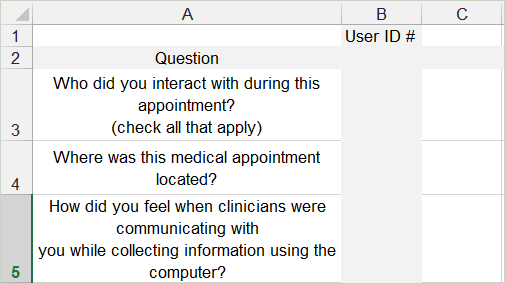 As a starting point, a list of questions can be drawn up by the project team based on the test goals. Then a usability specialist can refine the script or questionnaire, while trying to make the questions as unbiased as possible. This step is key for good results.
 A recruiting company that specializes in finding participants can handle this as long as you have identified the type of users you need. (age, gender, income)

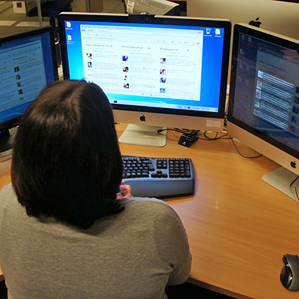 Running usability studies, remotely or in person, requires someone who can listen and anticipate the user’s needs. While allowing them to come to their own conclusions. This is easiest to do if you have little attachment to the item being tested. And having the project team watch the study while in progress is also immensely helpful. If you don’t have a prototype, a clickable PDF such as those created in Adobe can be edited on the fly for iterative studies.
 Having a debrief after each study is an excellent way to go over preliminary results with the project team. Since results tend to go stale in a few days, having a touch base with the team helps bring home the results quickly.
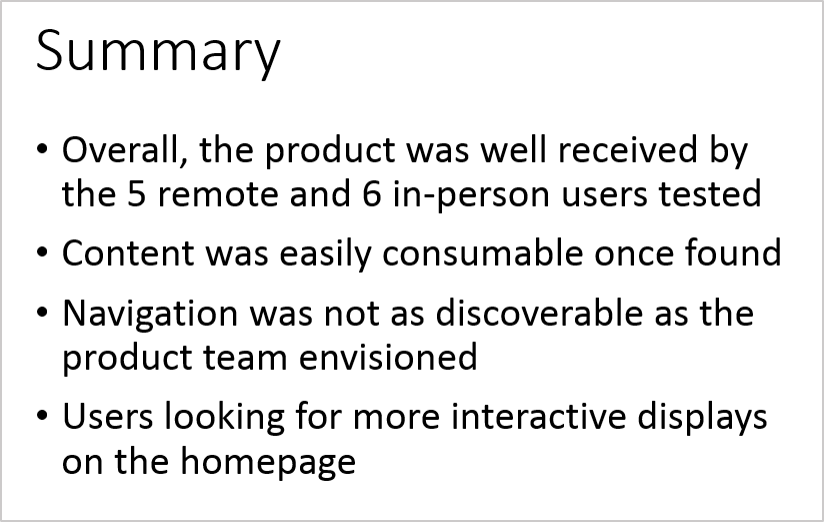 A high level Summary of Findings brings together data from individual studies into one document. This is especially important if the project team is unable to have a debrief after testing.
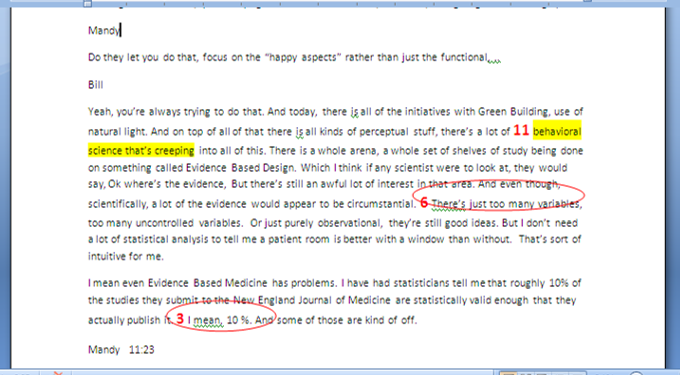 Analyzing the results, quantitatively and qualitatively, can take a fair amount of time. But without proper data analysis, you can miss out on trends and details not obvious at first glance. Numerical answers can often yield surprising results.

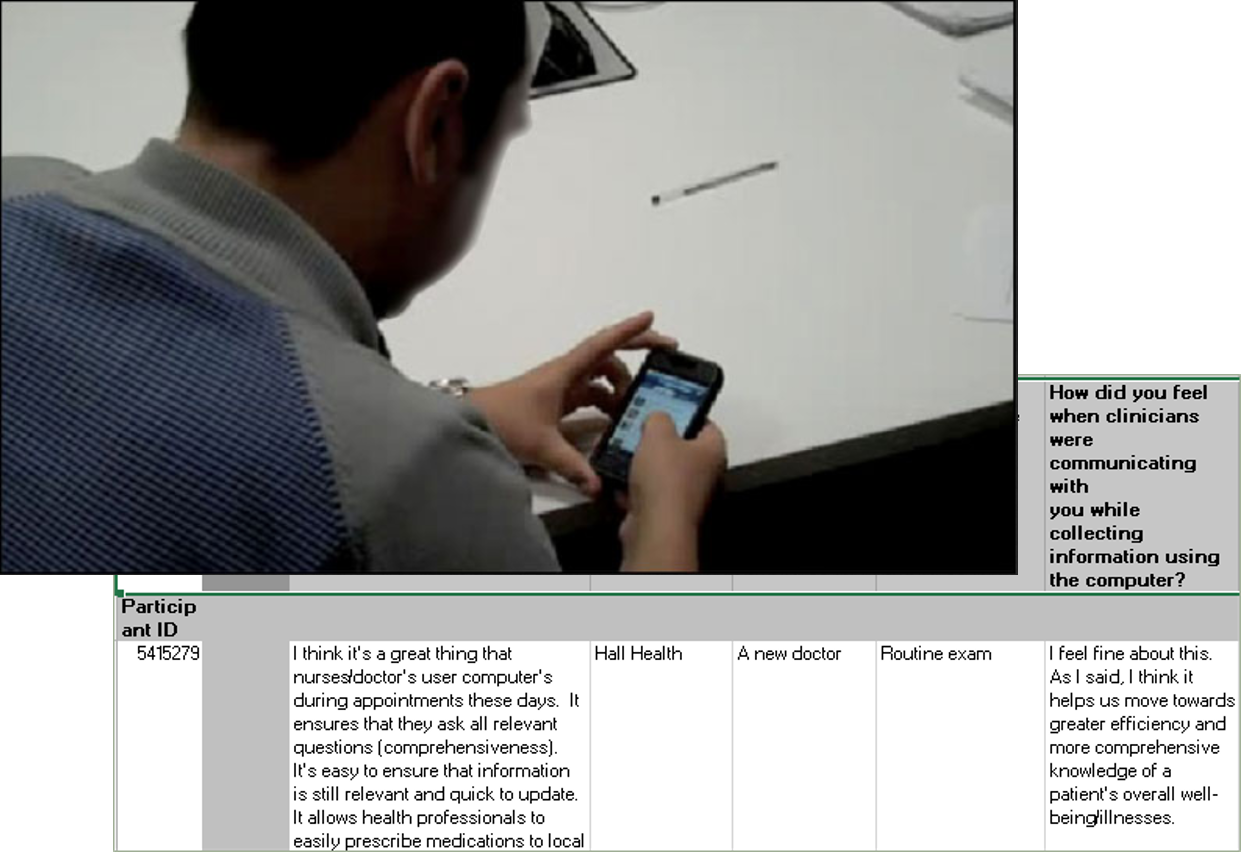 Nothing gets your point across better than a video clip of a participant trying to use a product. Again, interview transcripts and video editing take time, but are useful during presentations to management and remote teams.
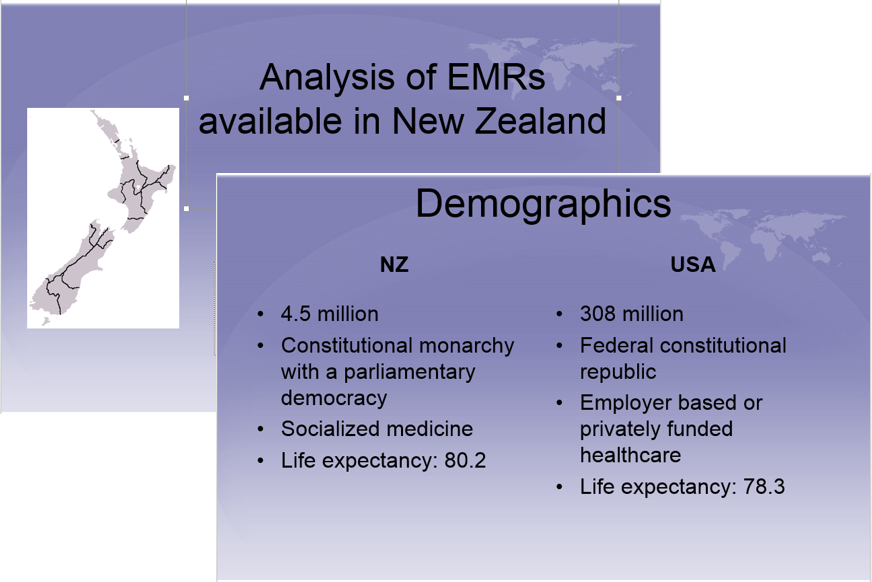 Some teams only need a Summary of Findings. Some require a 50 page report to prepare for an audit by the FDA. But most of the time, teams are looking for a presentation of results in a clear and visual manner. A presentation or report may be the only lasting evidence a team has of past work. So make it good!
 Seattle Human Factors